오류: "Failed to expand HAP file" / "Unable to load vas.dll Error code: -122"#
문제#
VisualApplets .hap 파일을 생성한 후 다른 컴퓨터에서 해당 파일을 실행하려고 하면 오류 메시지가 나타날 수 있습니다:
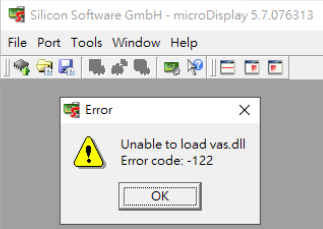
- In microDisplay: "Unable to load vas.dll Error code: -122"
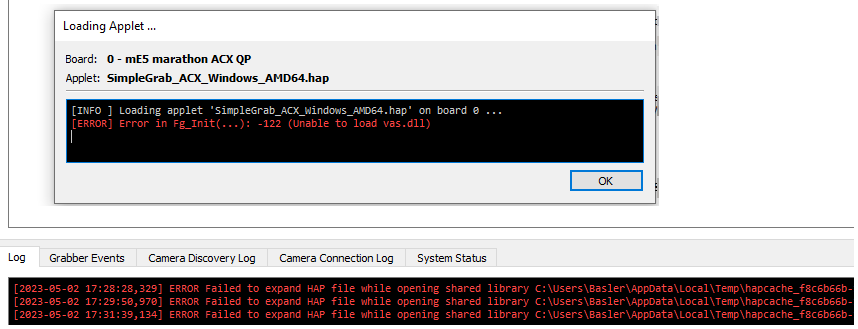
- In microDisplay X: "ERROR Failed to expand HAP file while opening shared library …/vas.dll: The specified module could not be found."
해결 방법#
.hap 파일은 이전 Windows 버전에서 생성된 후 Windows 10과 같은 최신 Windows 버전에서 실행되었을 가능성이 높습니다.
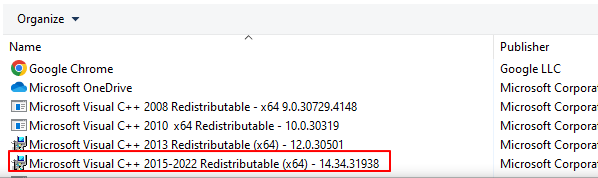
"Microsoft Visual C++ 2015-2022 Redistributable (x64)" 패키지를 설치하면 문제가 해결됩니다: